IPAY9 registration is one-sitting: open the official site, type your legal name, confirm the SMS on your own phone, then send the first ringgit from a rail in that same name. An IPAY9 account is logging in with a cashier that credits in RM. A forwar” ed “a”ent” link is not a shortcut. It is how people type a password on a lookalike and then cannot get the money out.
Have these four things in reach before you tap Signup: the legal name on your bank or e-wallet, a +60 number that still receives SMS, an inbox or SIM you can open in this sitting, and a password you do not reuse. If any of those four is a guess, stop. A nickname in the name field is how a later cash-out sits in review.
How to register at IPAY9
Open the browser you already trust. Type ipay9.my. Wait for the full page. Read the address bar letter for letter, not the tab title. A padlock on a fake host still shows a padlock. Extra hyphens, a swapped digit, or a longer name wrapped around “ipay9” are the usual tells. If the letters sit inside a different host, close the tab. Open a fresh one. Type it again.
Bookmark that page on a day you are calm. Use the bookmark next time. Do not paste a Signup link from WhatsApp, Telegram, SMS, or a story ad. Clone pages copy the blue art. They rarely copy a consistent Hartamas footer and a matching help page.
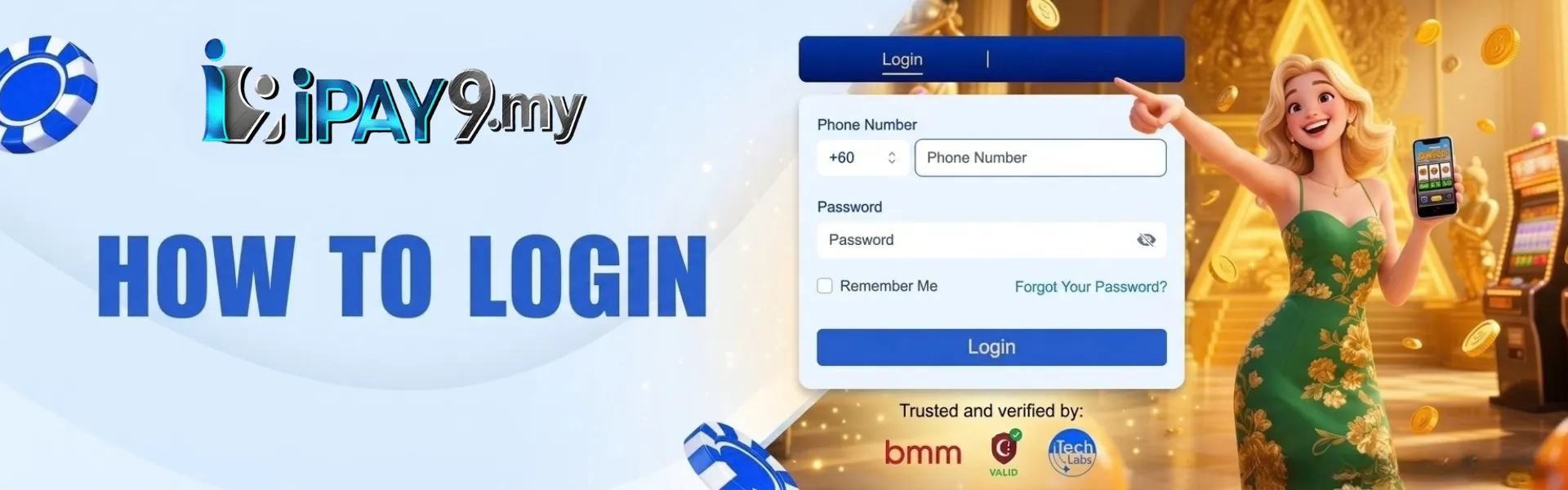
On desktop, Signup sits next to Login at the top. On a phone, open the menu if the header is collapsed. You want labeled fields on the same official window. If the page asks you to send ringgit to a personal name “to activate,” you are not on IPAY9. Close it. Open the bookmark. Start again.
Do this in that order, in one sitting, without a second browser profile:
- Open ipay9.my from the address you typed. Confirm the host. Bookmark it.
- Tap Signup. Stay on that form. Do not jump to a “faster” link from a group chat.
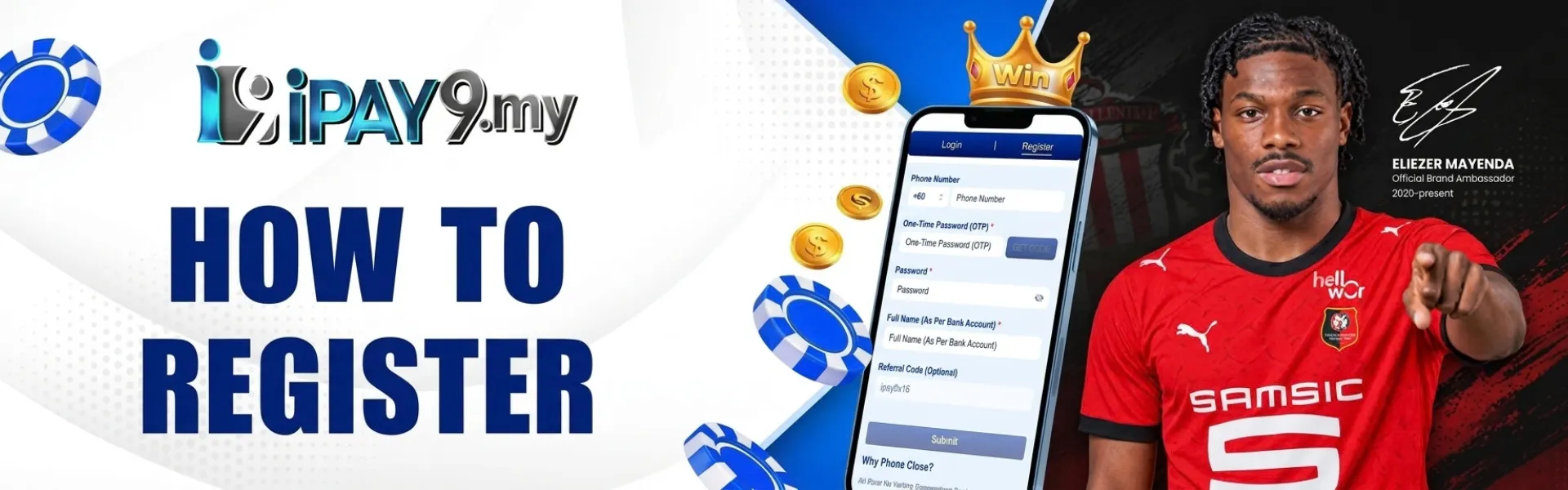
- Enter your legal name, Malaysian mobile number, and password. Submit only after you reread the name and the number.
- Open the terms and conditions and the privacy policy, then tick them.
- Enter the SMS code from your own handset. Then sign in and finish the profile before you deposit.
Stay on a device you control. Starting the form on desktop and finishing the code on your own phone is fine. If you finish it on a friend’s tablet, the SMS goes to them, and the session stays with them. Sign out if you borrowed a screen. Better: wait until you are on your handset. Skip public USB while this form is open.
Use the legal name on the bank, and a +60 number that still gets SMS
Every line on this form shows up again at withdrawal. Treat it as a bank form, not a game nickname screen. The Hartamas desk checks that the payout name matches the profile. Get the name right before you chase a bonus tile.
Legal name. Type it as it sits on your Maybank, CIMB, Public Bank, or e-wallet account, letter for letter, as on your MyKad or passport. Skip a gaming alias. Skip spouse’s name because that is the family wallet. A mismatch here is the usual first-cash-out delay, not a mystery.
Username. Pick one you can still spell tomorrow. In some rooms it can sit on a public list, so skip insults and other people’s names. If the checker says taken, add a number you will remember. Do not open a second form in another tab to “try a different brand spell” again. That is how people end up with two half-made files.
Password. Mix uppercase, lowercase, numbers, and a symbol. Do not use your name, your birth date, or the same string as your email. Write it in a password manager you already trust. A screenshot in the camera roll is a bad plan on a shared phone. Staff will never ask you to forward the full password in a private message.
Phone. A Malaysian mobile, with the country code, on a handset you hold. The OTP and later security alerts go here. A disconnected line, or a number that belongs to a relative, will stall verification and later recovery. If the SMS is quiet, check signal before you tap “New Code” five times.
Currency. Credits on IPAY9 stay in RM. Deposits, the lobby, and withdrawals then print in ringgit. A foreign currency on a Malaysian bank rail is a mess; you don’t need it on night one. If the form shows a currency picker, choose ringgit; if it does not, trust the live cashier after logging in, not a screenshot from last month.
Before you tap submit, confirm these on the same screen:
- Legal name matches the bank or e-wallet you will use
- Phone is a +60 number on this handset
- Password is one you can still retrieve tomorrow
- You typed ipay9. yourself and can still see that host in the bar
If any line is still a guess, close the form and come back when the SIM and the bank book are in your hand.
Fill the form, confirm the OTP on your own phone; never share the code.
Read the whole screen once more. Submit. If a field flashes, fix that field. Do not invent a second username to dodge the warning.
After submitting, an OTP arrives by SMS. Type it in the verification field on the same official window. A few minutes of quiet is normal. Step out of a basement car park. Request a new code once if needed. Do not request six codes and then use the oldest one. The newest code is the one that works.
Confirm the OTP yourself. Do not read it out on a call that found you. Do not forward it to someone claiming they’re “IPAY9 support, ” ” the Hartamas desk,” or “your agent. The desk on Contact Us will not ask you to pass that code in a private chat. If you already typed it on a lookalike, stop depositing. Change the password on the bookmark you typed. Start a ticket with the fake URL and a full-screen image that shows the clock.
When the account shows as active, sign in and finish the profile before you fund it. Bind the bank or wallet in the same legal name. Set notices to a channel you will actually read. You can open the lobby after the code. An empty profile is what turns a Friday withdrawal into a Monday document hunt.
If the desk later asks for identity files, upload a government ID through the official path, in daylight, all four corners visible, no finger over the name. A crop from a group chat is not that file. Do not send MyKad photos to a WhatsApp number that messaged you first.
First transfer: copy the cashier amount exactly
Open the cashier on the signed-in account. The live strip is the method list that counts. Maybank, CIMB, and Public Bank are common when those channels are listed. Visa, Mastercard, Google Pay, and Apple Pay show when those rails are enabled. Local bank transfer still does the heavy lifting for many members. If a method is missing from yLoginogin, it is not available to you that day.
Copy the amount exactly. Copy any reference note character for character. Save the receipt photo until the credit shows. Instant credit does not mean instant cash out. First withdrawals wait on the name match. Do not open a second deposit “to est” while the first is pending.
| What you want | What to check on the live cashier |
| A first top-up | Your own name on the rail, the printed minimum in RM, a confirmation screenshot with the clock |
| A bank transfer | Maybank, CIMB, or Public Bank only if that channel is listed tonight |
| A card or wallet rail | Visa, Mastercard, Google Pay, or Apple Pay only when the strip shows them |
| A stuck receipt | Amount, time in Malaysia, bank reference, one full-screen photo. Chat first. |
Send a test size you can afford to leave in the wallet. The first sitting is for learning how history updates on your phone, not for filling a headline cap. Stay on a rail already in your name; a friend’s account “just this once” will fail the check on the way out.
If the credit is slow, wait. Then send support one pack: username, Malaysia time, RM amount, the method name, and the receipt. Live chat clears a stuck receipt faster than a landline. Call +60 3-6201 4999 when chat is queued, after you confirm that number in the live footer. The office line is 10-1, Jalan 22/70A, Desa Sri Hartamas, 50480 Kuala Lumpur, Wilayah Persekutuan, Malaysia. A walk-in is not a queue jump.
Skip the random deposit extra until you have read the live card
Banners may promise a random extra on a deposit. Ads are marketing. The live card on promotions is the contract. Playing without that extra is normal. A generous headline with heavy turnover can sit on the balance longer than you expect.
Before you tap claim, copy four lines from the card you can still open today:
- Trigger — some extras attach to a deposit, not to a free tap
- Turnover — whether the deposit, the extra, or both must be wagered
- Game weight — a slot and a live baccarat seat rarely count the same
- Cash-out cap — if a ceiling is printed, it applies
Screenshot the sheet with the phone clock visible. A story from last week is not your claim. If you skip the tile and spin first, do not argue from memory. The screenshot is the version you accepted. If the live card and this post disagree, the live card wins.
Loginogin holds the ringgit for slots, live casino, the sportsbook, fishing, card games, lottery, and instant win. One wallet does not mean one sitting. Reset the cap when you change family. Keep the first sit short.
If the OTP never arrives, the name doesn’t match, or a clone wants a personal transfer.
| What you see | What to try before a second account |
| No SMS code | Signal, then one new-code tap. Confirm the +60 digits. Do not register again. |
| Username taken | Change the username on this form. One person, one file. |
| Name rejected later at cash-out | The profile must match the payout rail. Update through the official path, then wait. Do not send from a different name, e.g., “totestt.” |
| Page asks you to pay a personal account | Clone. Close it. Open the bookmark. Start a ticket with the fake URL. |
| Someone asks for the OTP or the full password. | Not IPAY9. Hang up. Change the password on the official site if you already typed it. |
| Signup page will not load | Confirm the bookmark. Another browser. Home Wi-Fi. Not a forwarded APK. |
Do not open a second IPAY9 acco”nt “just to get”in.” A duplicate can close both logins and the money on them. If you already submitted once, recover that file. Forgot your password? Use the reset on the official Login page. A new Signup tap is not a reset.
The app is not required to register. The browser is enough. Install later only from the app page on this domain if you want a home-screen icon. A file forwarded in chat is not IPAY9. Login. Same RM balance.
If the table does not clear it, write to official support once. First line: username, Malaysia time, the field that failed, RM amount if a transfer is involved. One full-screen image with the clock. Do not paste the password. Do not install a remote-control app because someone can register for you.